Free courses Made with ZipCourse
Free Copilot prompting courses for your LMS
Three short, practical courses on getting better results from Microsoft 365 Copilot, for people who already use it. Try them here, then download them for your LMS as SCORM 1.2 or cmi5. They're free to use with your teams.
Each course is an ordinary ZipCourse project, exported with the editor's Export button. What you download is exactly what ZipCourse makes from your own slides: the same player, the same tracking and the same games.
Part 1: Prompts that land first time Free course
Write prompts with a clear goal, context, sources and expectations; point Copilot at the right files, people and meetings; shape the output; iterate; and check what comes back.
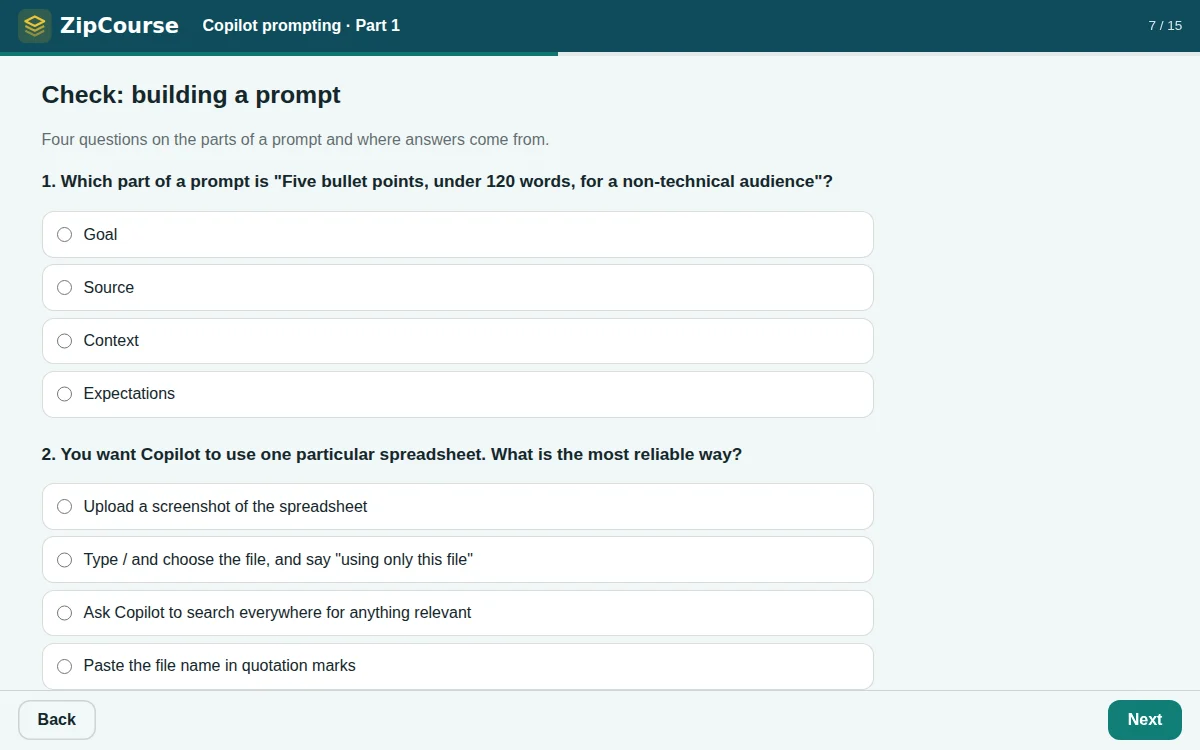
About 20 minutes: a video, 2 quizzes with feedback and a results page, and 2 game breaks where learners choose between two games or skip.
Learners will be able to use:
- The four parts of a strong prompt
- Grounding answers in your own files with /
- Asking for the format, length and tone you need
- Refining with follow-ups instead of starting again
- Checking answers before you share them
Part 2: Advanced techniques Free course
Use roles, examples, clarifying questions, step-by-step chains, self-critique, firm constraints and multi-file synthesis to get dependable results on harder tasks.
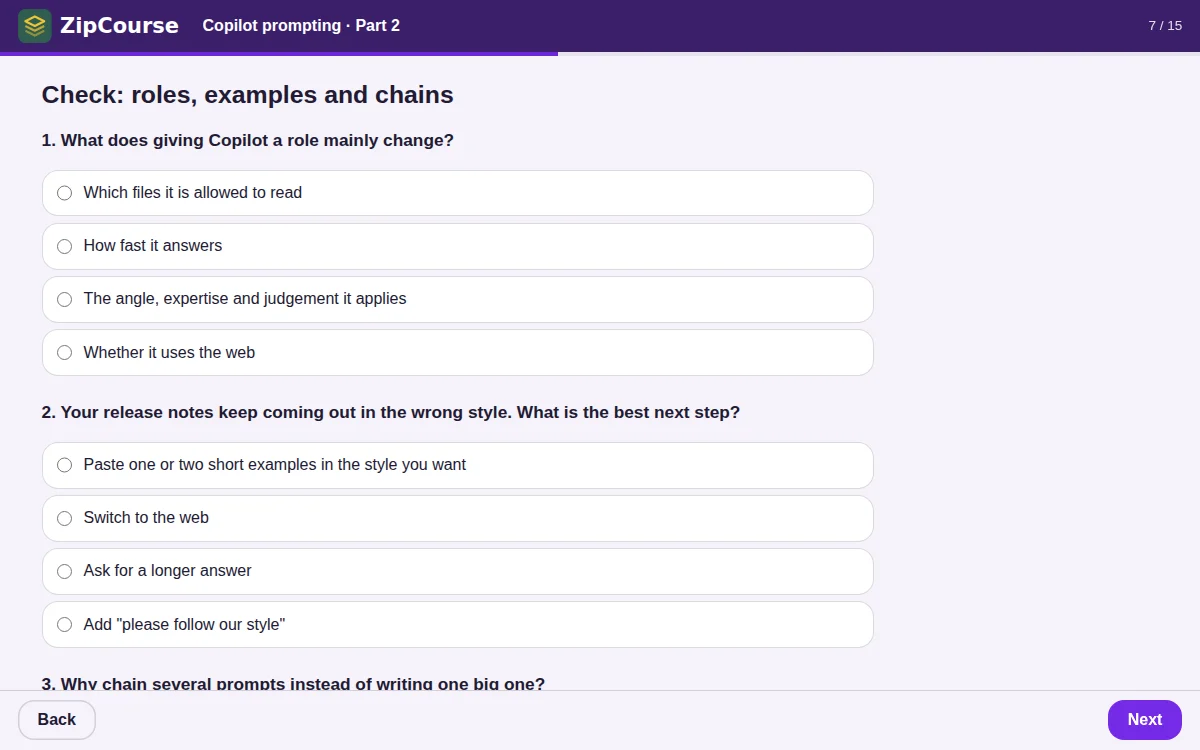
About 25 minutes: a video, 2 quizzes with feedback and a results page, and 2 game breaks where learners choose between two games or skip.
Learners will be able to use:
- Roles and audiences
- Examples that set the pattern
- Letting Copilot ask questions first
- Chaining prompts for big jobs
- Critique, constraints and multi-file synthesis
Part 3: Reuse, automate and delegate Free course
Save and share your best prompts, schedule them, personalise Copilot, and know when to hand work to Researcher, Analyst, Pages, Notebooks or an agent of your own.
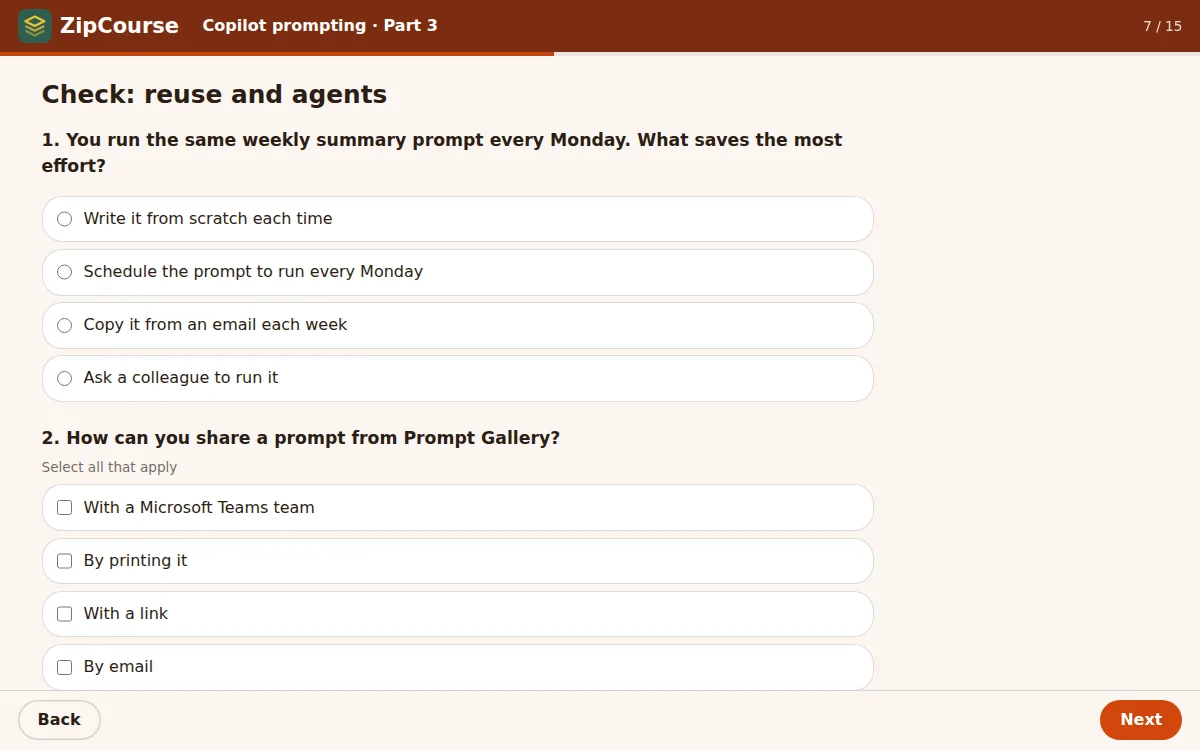
About 25 minutes: a video, 2 quizzes with feedback and a results page, and 2 game breaks where learners choose between two games or skip.
Learners will be able to use:
- Saving and sharing prompts in Prompt Gallery
- Scheduled prompts
- Custom instructions and memory
- Researcher and Analyst
- Pages, Notebooks and building your own agent
How to use them
Try a course here
Try it in your browser plays the Web (HTML5) export of the course. Your progress is kept in your browser, so you can come back to it.
Upload it to your LMS
Download SCORM 1.2 for almost any LMS, or cmi5 if your LMS supports it. Upload the zip as it is: don't unzip it. Most LMSs call this adding a SCORM package or a course package. To test first, a free SCORM Cloud account works well.
Check what it reports
The courses report progress, every answer, the score and completion. Learners complete a course when they have seen every slide and finished both quizzes, and pass at 75%. Game scores go to your LMS as separate records and never change a result.
Make it your own
Download the project file and open it in the editor with Open. Change the colours and logo to yours, add your own examples or policies, and export your version. Building and previewing are free; exporting your own version uses a credit, as any course does.
The videos play from YouTube. Learners need an internet connection to watch them, and some LMSs and workplace networks block YouTube. The slides cover the same ideas, so the courses still work without them.
Exactly what you get from ZipCourse
There's nothing special about these courses. They use features every ZipCourse course can use:
- Text slides with headings and bullet points, and notes learners can open under the slide
- A video slide made by pasting a YouTube link
- Quizzes with single-answer, several-answer and true-or-false questions, feedback, shuffled answers, a pass mark and a results page
- Game slides after each quiz, where learners pick one of two 30-second games or skip
- Each course in its own colours, font and corner style, with a logo in the header
- Exported as SCORM 1.2, cmi5 and Web from the Export window
Open a project file in the editor to see how each slide is set up, or read how ZipCourse works.
Microsoft, Microsoft 365 and Copilot are trademarks of the Microsoft group of companies. These courses are independent examples made with ZipCourse and are not made or endorsed by Microsoft. The videos belong to their creators and play from YouTube. Copilot features change often: the courses were checked against Microsoft's documentation in October 2026.
Make a course like these
Build from your own slides, video and quizzes. Free to build and preview.
Contact us
Questions, feedback, or a problem with an export? Send us a message and we'll reply within one working day.
Buying for a school, team or group? We offer discounted bulk credit packs for groups of people, and an education discount for recognised schools, colleges and universities. Choose one in the form and the credit pack you'd like.
You can also email support@zipcourse.app.
Thanks, your message is on its way.